Turn one menu photo into content your restaurant can actually post.
DishCraft reads the menu, pulls out the dishes worth promoting, and helps you create social-ready food images, cleaner menu assets, and stronger real-photo upgrades fast.
From one menu upload to one polished piece of content.
You do not need a photoshoot to get started. Start with the menu you already have, then turn the best dishes into usable creative.
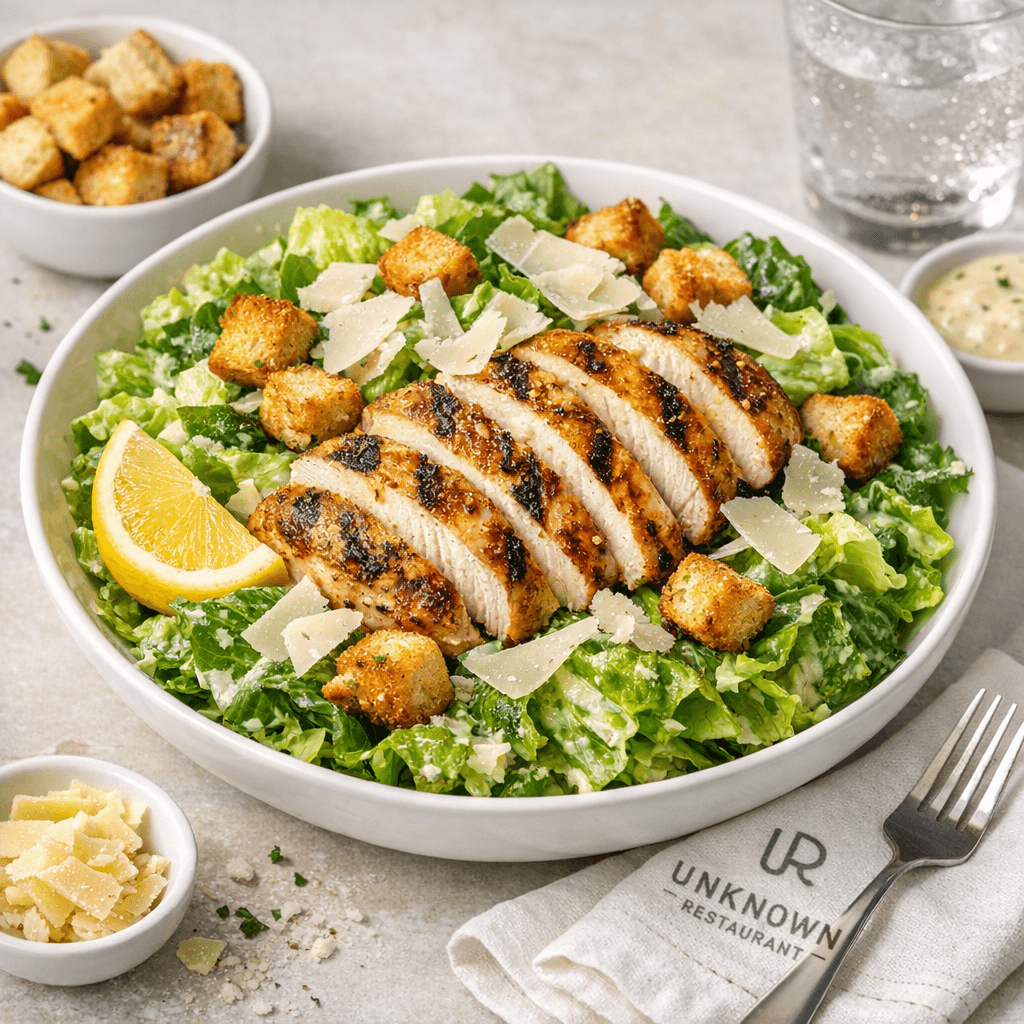
Clean first draft for social, specials, and delivery app creative.
Clear enough for a busy restaurant owner in ten seconds.
Start with one menu image, choose the dishes that matter, and let DishCraft turn them into assets you can actually use for social, specials, and menu refreshes.
Upload the menu
Snap a menu, upload a PDF page, or drag in a photo from the camera roll.
Pick the dishes worth pushing
Start with best sellers, specials, and the dishes that deserve better marketing.
Generate and download
Create social-ready images, improve real dish shots, and draft cleaner menu assets fast.
Start with the workflow that matches what the restaurant already has.
No professional photography yet? Start with menu-to-image. Got real dishes but weak photos? Use the enhancer. Need cleaner menus? Open the menu studio.
Turn dish names into content worth posting.
Perfect when the restaurant has a menu but no real photography. Upload once and start with the dishes that actually drive orders.
Keep the real dish, just make it pop.
Use the enhancer when the food is real but the photo is flat, dark, messy, or not good enough to publish.
Build cleaner menus for web and print.
Draft sharper descriptions, better structure, and polished menu direction when the current menu feels messy or outdated.
Try the whole workflow free while we tighten the product.
Sign up, upload one menu, and see whether the outputs are useful before we even think about billing. Right now the goal is quality, not checkout friction.
What does the free beta include?
Everything is unlocked while we test, so you can run menu scans, social image generations, photo enhancements, and menu drafts without billing.
What happens to pricing during beta?
Pricing is paused for now while we validate quality, prompts, and workflow. Paid plans can come back once the product feels ready.
Can this also improve real dish photos?
Yes. The enhancement flow preserves the real dish and upgrades lighting, color separation, depth, and background polish.
Can I make menus as well as images?
Yes. DishCraft includes a dedicated menu-studio flow for generating new menu copy, section structure, design direction, and keyword ideas.